
In as few steps as possible outline how to set up a new InDesign document.
File, New, Document. Choose a pre-set or specify measurements on the right and hit ‘Create’.
In your own words, outline how to set up a InDesign page with columns.
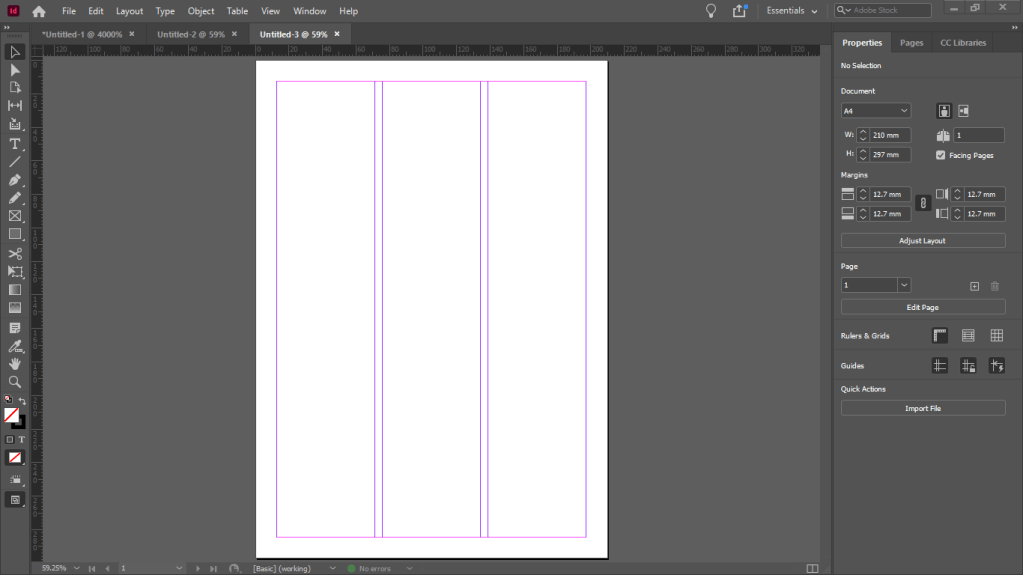
File, New, Document. Choose a pre-set, or specify measurements on the right, specifying the columns and the column gutter and hit ‘Create’.
Choose five of the best tool bar icons (right of the InDesign screen) to use across most print platforms and say why!
Firstly, the pencil tool, which does exactly what you think it should, it allows the user to draw onto the workspace (like a pencil on paper!). Secondly the type tool which when selected, allows you to draw a box, starting from the uppermost right corner. When the box is complete it allows you to type inside it, on the right side of the screen you can then change the font, size etc… Thirdly the Content collector tool allows you to ‘grab’ any object on the page. Fourthly the selection tool lets you click on any text box or object to select it, from here you can copy/paste it and much more. Fifthly, finally the zoom tool. Does exactly what it says on the tin. It lets you zoom in.
Outline what each of the six InDesign docks (left of the screen) do.
I cannot find out what an ‘InDesign dock’ is, I have tried researching it and have had no luck.
Practical Task (Place on OTS Post on Blog) – Create one document that utilizes columns.
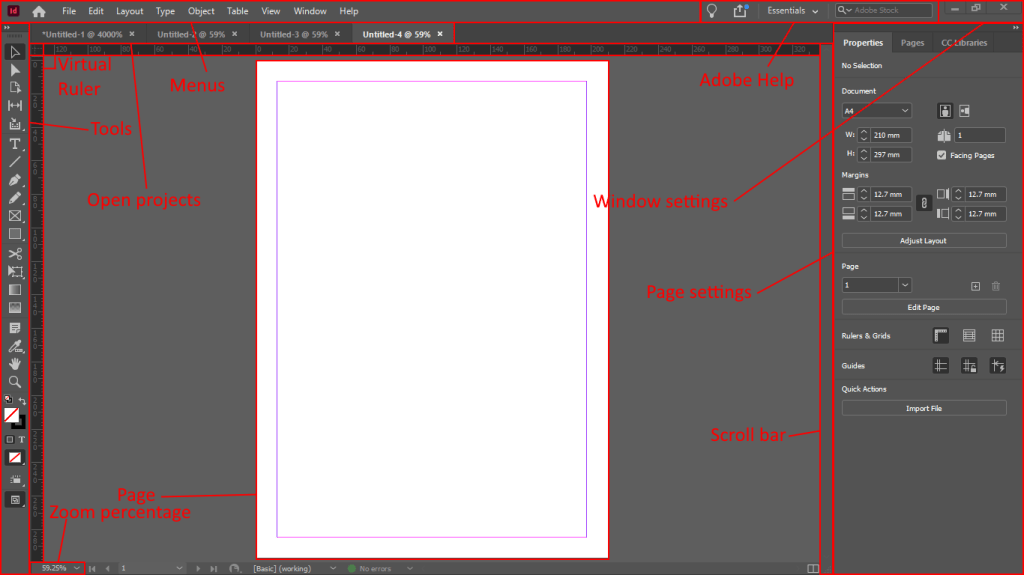
Practical Task (Place on OTS post on Blog) – Create a one-page cheat sheet that outlines the main elements of the InDesign workspace.
 Bradley Smart